
Intelligent Document Management Powered by AI.
Store, organize, and search all your files with ease. DocQube Drive provides secure, AI-powered document management so you can find what you need, exactly when you need it.

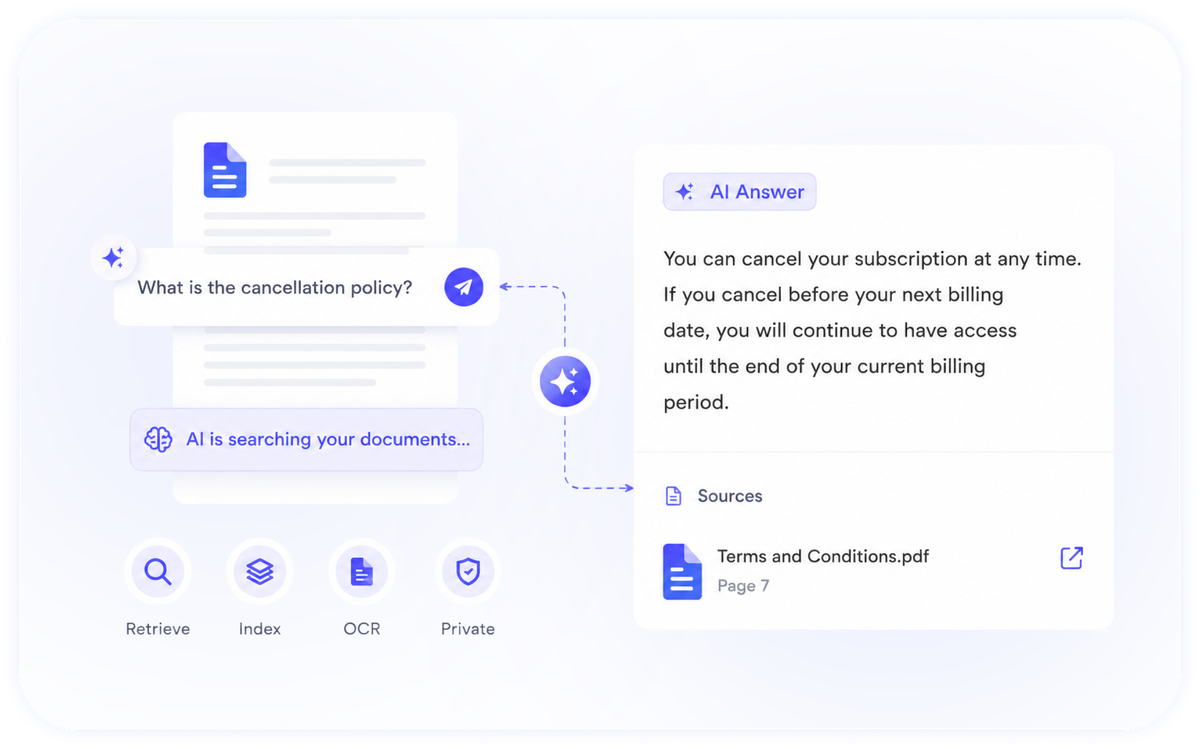
Ask A Question, Get An Answer From Your Documents
DocQube Drive indexes your documents and lets you ask questions in plain language. The AI assistant retrieves the answer from across your files, with the source in view.
- Retrieval-augmented answers across your document set
- Auto-indexing and summaries on upload
- OCR makes scanned documents searchable
- Your data is never used to train AI models
One Source Of Truth For Every File
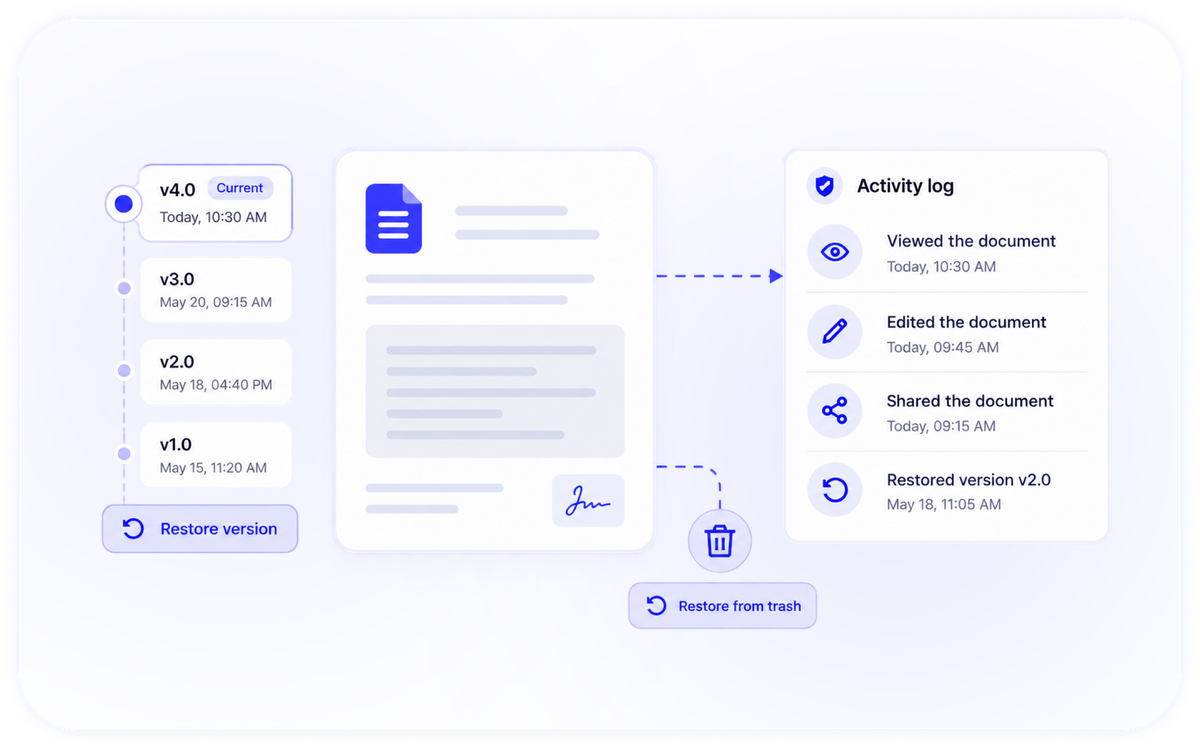
Every change is versioned and every action is logged. Restore any previous version, and see who accessed, edited or shared a document, and when.
- Full version history with restore
- Tamper-evident activity log on every file
- Soft-delete trash with restore
- Automated backups with data restore
Share Safely, Collaborate In Real Time
Share with specific people or generate public links with view or edit permissions. Collaborate live, and keep the conversation in context with inline threaded comments.
- Granular view / edit permissions
- Public share links with controlled access
- Real-time collaboration
- Inline, threaded comments

Governed By Design

Role-based access
Fine-grained RBAC with custom roles and access codes.

Multi-tenant isolation
Each organization's data is scoped and isolated.

Encryption
Encrypted in transit and at rest, with virus scanning on upload.
Convert & export
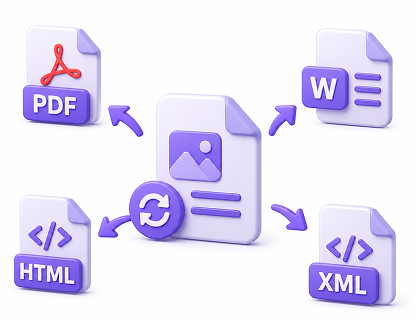
Convert PDF and images to editable formats; export to Word, HTML, XML and PDF.
Smart search & OCR
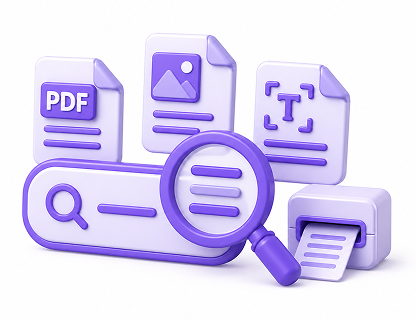
Find anything across your files, including scanned documents.
Audit & reporting
A complete, exportable record of document activity.