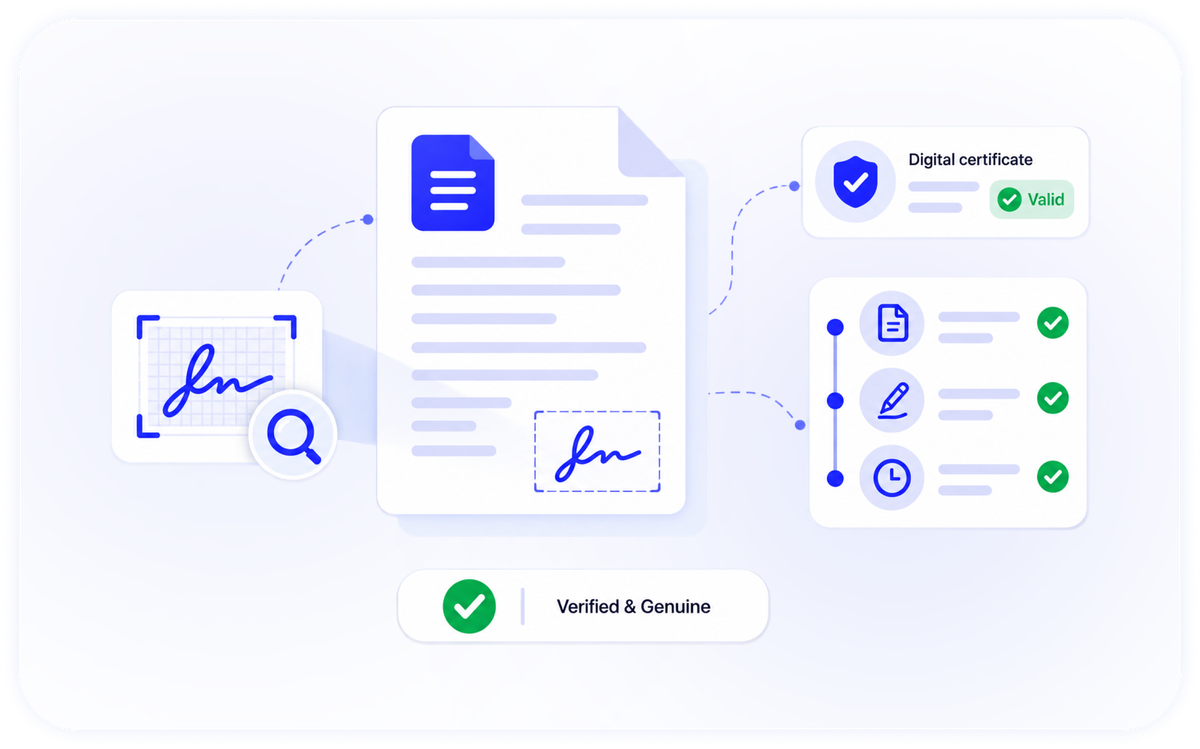
Legally Binding Signatures Built In.
Send, sign and track legally-binding e-signatures with verification built in.

Everything You Need To Close Documents
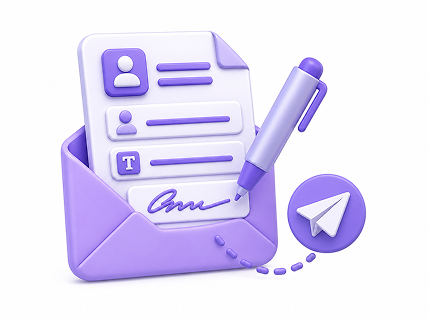
Send for signature
Create an envelope, add signers and fields, and send — via Zoho Sign or DocuSeal.
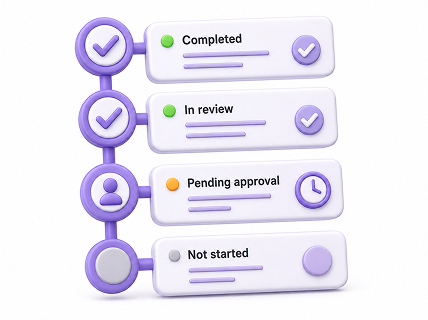
Track to completion
Collect reviews and approvals, with a clear status at each step.
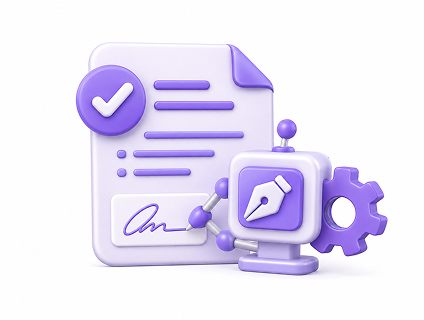
Signature verification
Kick off a DocQube Sign request automatically when a document is approved.
Full audit trail
A timestamped record of every step, for a defensible signing history.

Secure by default
Encryption in transit and at rest, with access controls.
Built into the platform
Trigger signatures from Workflows and store signed documents in Drive.
Workflows focuses on routing, approvals, signature loops, status tracking and notifications. Advanced, fully custom automation is available on higher tiers or on our roadmap — talk to us about your process.
Proof A Signature Is Valid
DocQube Sign doesn't just capture a signature — it detects signature boxes using computer vision and validates digital signature certificates, so you can verify that a signed document is genuine.
- Computer-vision signature box detection
- Digital certificate validation
- Timestamped, tamper-evident audit trail
- Signed documents stored securely in Drive