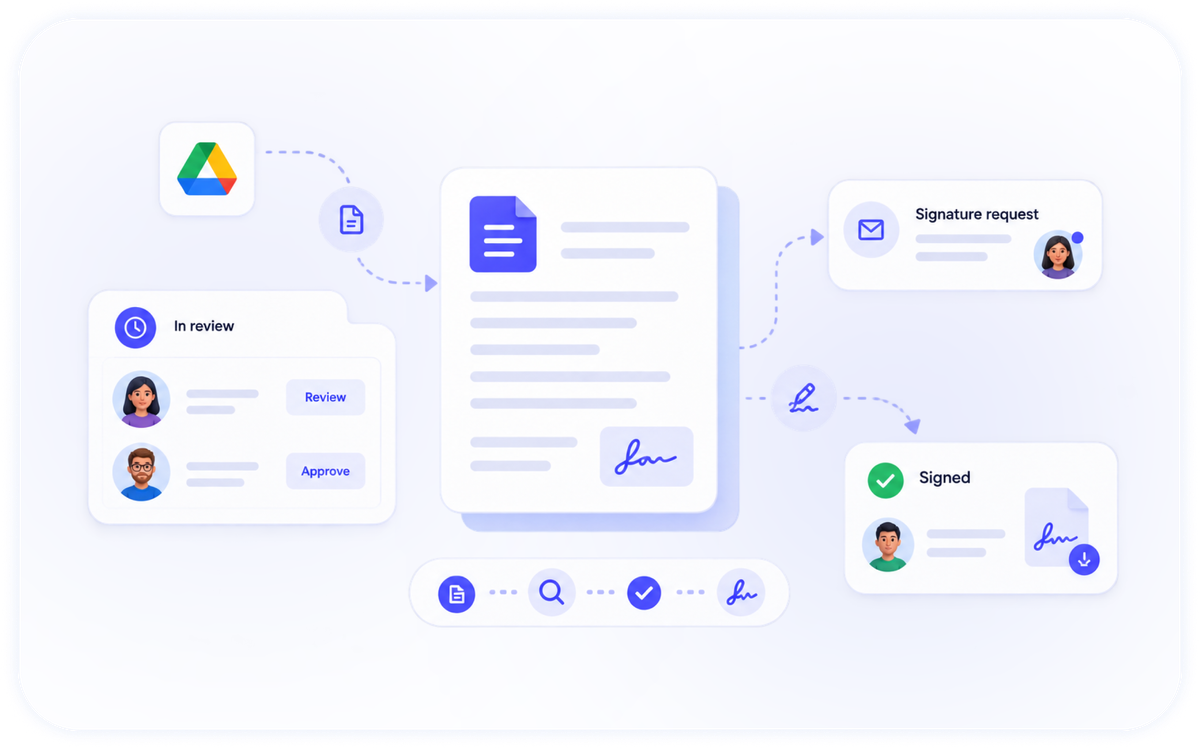
Route, Approve And Sign — Automatically.
Send documents for review, collect approvals in order, and trigger signatures when they're ready. Every step is tracked and timestamped, with notifications along the way.

Approvals And Signature Loops, Tracked End To End
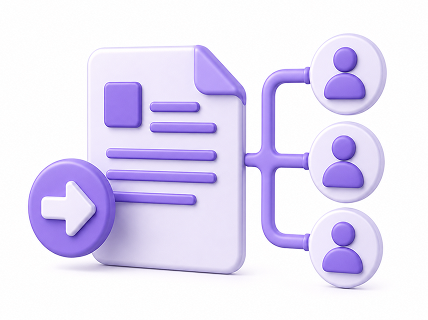
Routing
Send a document to the right people, in the right order.
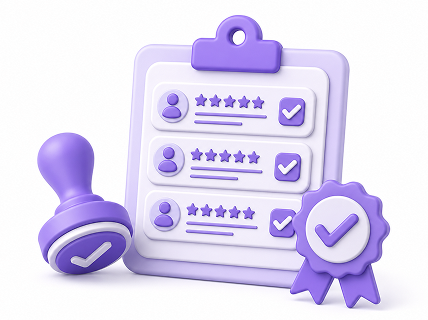
Approvals
Collect reviews and approvals, with a clear status at each step.
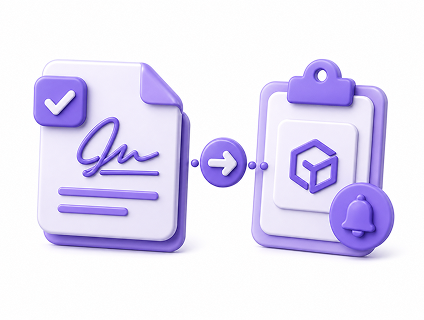
Signature triggers
Kick off a DocQube Sign request automatically when a document is approved.

Notifications
Keep everyone informed as a document moves through the process.
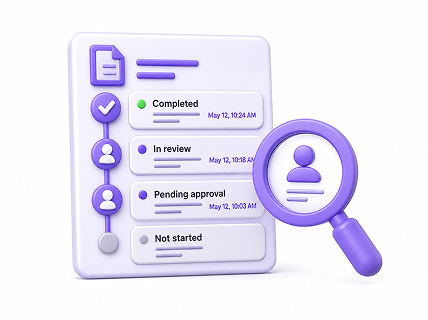
Status tracking
See exactly where any document is, and who's next.
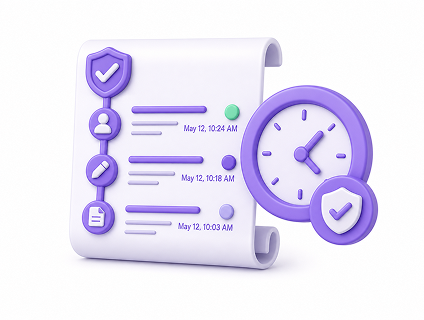
Timestamped audit
Every action is recorded for a defensible trail.
Workflows focuses on routing, approvals, signature loops, status tracking and notifications. Advanced, fully custom automation is available on higher tiers or on our roadmap — talk to us about your process.
From Draft To Signed, Without The Chase
Workflows connects Drive and Sign so a document can move from review to approval to signature without leaving DocQube — and without email threads to keep track of.
- One approval trail from upload to signature
- Automatic signature requests on approval
- Reminders and status at every step
- A single, exportable record of the whole process