
A Real PDF Editor Right In Your Browser.
Edit text with true reflow, not overlay boxes. Add images, annotations and signatures, redact permanently, and reorder pages — powered by a native C++/PDFium engine. Free to start, no signup.

Governed By Design
Real text reflow
Edit multi-line paragraphs with automatic word wrap and line height — text pushes and pulls across pages, powered by PDFium and HarfBuzz.
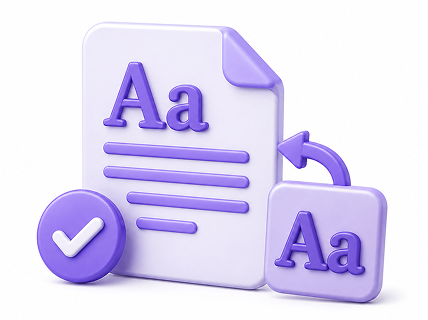
Fonts preserved
Embedded fonts are reconstructed for editing, with graceful fallback that keeps the original look.
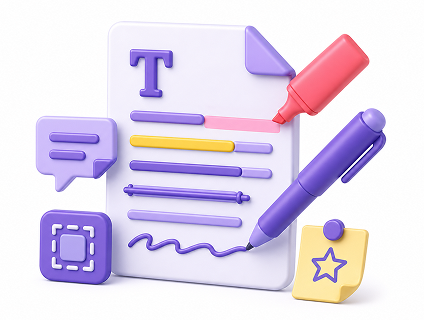
Annotations & markups
Highlights, underlines, strikeouts, shapes, sticky notes and freehand ink — written into the PDF.
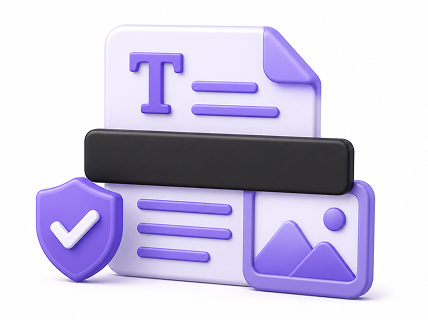
Permanent redaction
Blackout that truly removes the underlying text and image objects, not just a box on top.
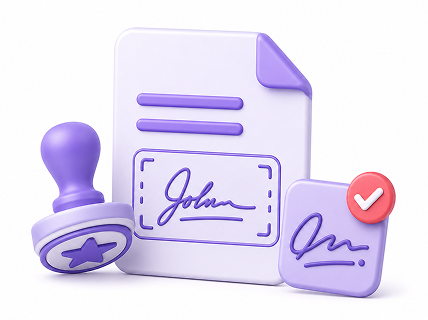
Signatures & stamps
Place a signature image or custom stamp anywhere, resizable to fit.
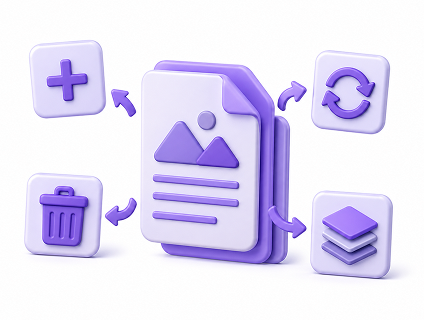
Page operations
Insert, delete, rotate and reorder pages, and replace images inside the document.
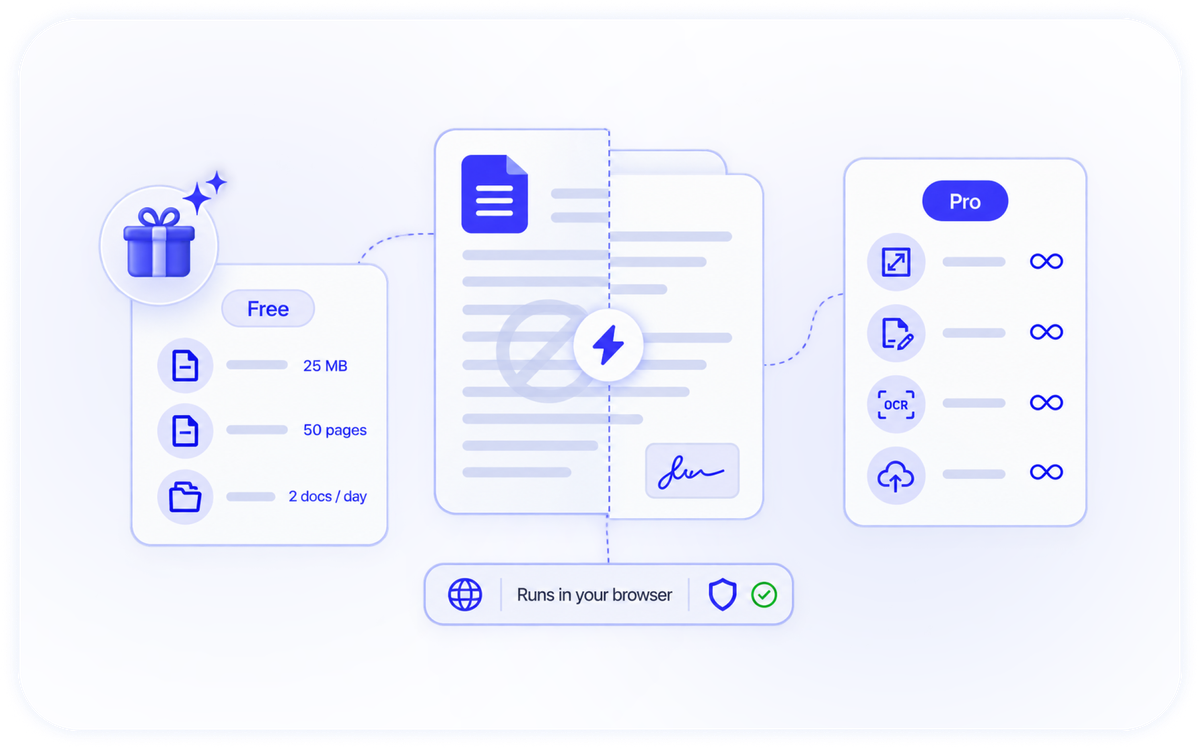
Start Free. No Watermark.
The free tier is a real product — edit and export with no watermark on your files. Go Pro when you need bigger files and more power.
- Free: up to 25 MB, 50 pages, 2 documents per day
- No watermark on exports, ever
- Pro: larger files, unlimited documents, redaction, OCR, batch and save-to-Drive
- Runs in your browser — nothing to install